November 5th, 2025
Improved
Until now, uploading a new CV during an application didn’t automatically update your default CV for future applications. That meant even after adding a new, updated file, you were still applying with an outdated one.
We’ve improved this experience to give you the flexibility to decide which CV version you want to use — every time you apply.
Here’s what’s changed:
When you upload a new CV or replace an old one while applying for a job, you’ll now see a checkbox on the
Review your applicationstep that says:Use this CV as my default for future applicationsThe checkbox is selected by default. So your newly uploaded CV will automatically become your default for future applications. Simply uncheck the box if you want to use this CV only once before submitting your application.
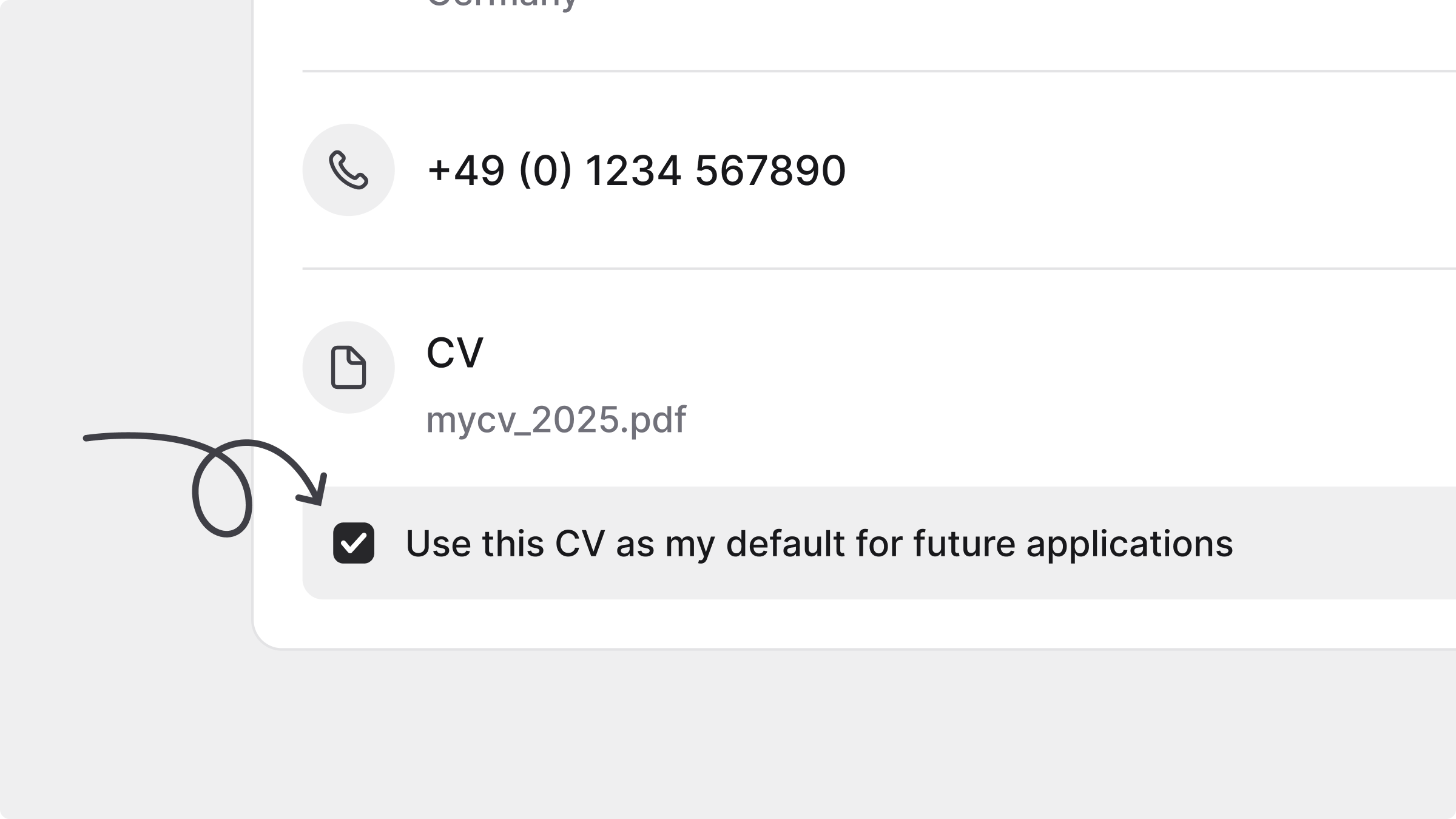
👉 Try it out in your next application and make sure your most up-to-date CV is always the one being shared.
August 12th, 2025
Improved
Your JOIN account just got a complete refresh! With a modern design and easier navigation, applying to jobs and keeping track of your applications is now simpler than ever.
Here’s what’s new:
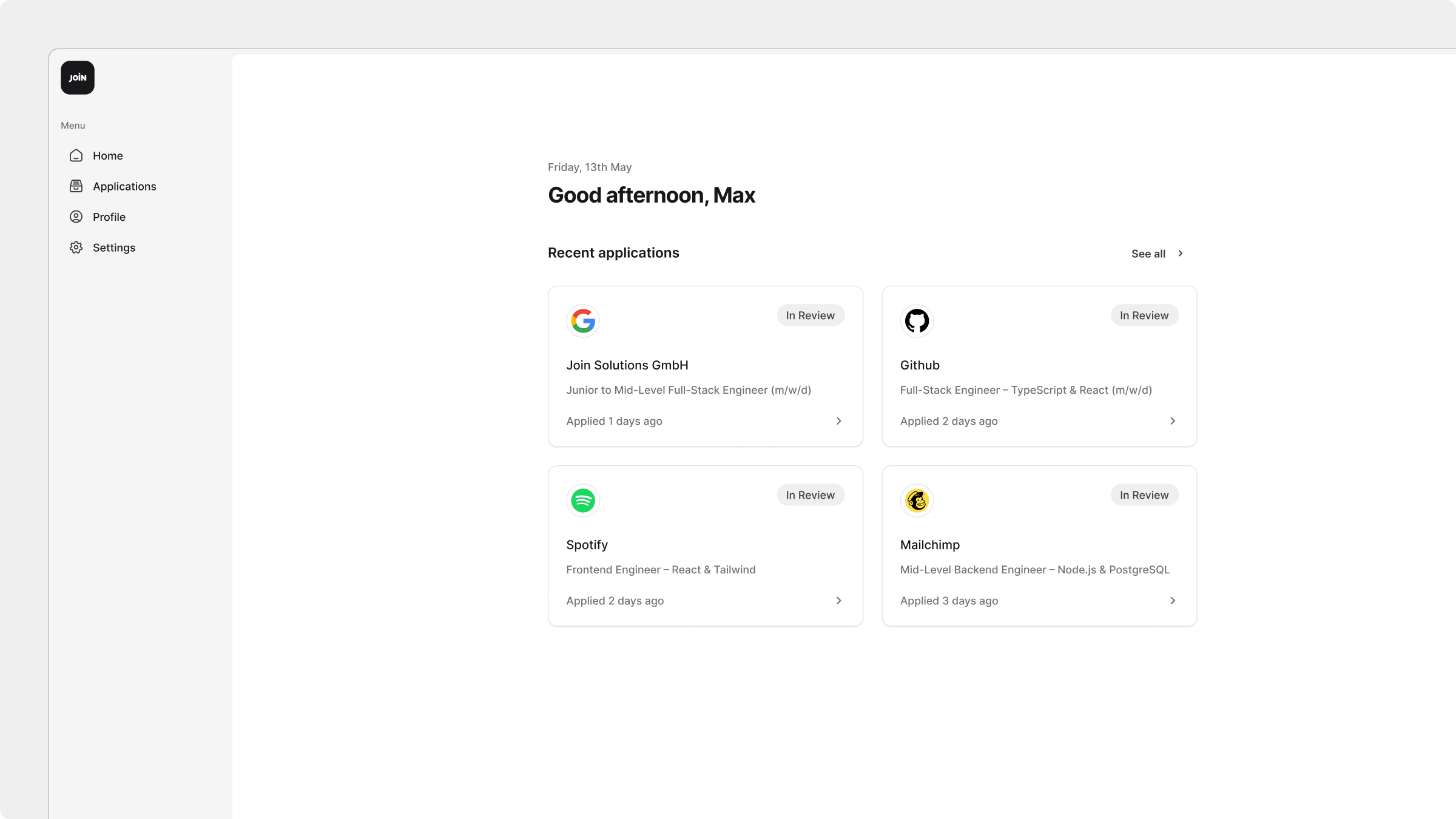
🏠 A better home screen
See your most recent applications at a glance, shown as easy-to-scan application cards with the status of your applications.
📂 Browse Applications with even more information
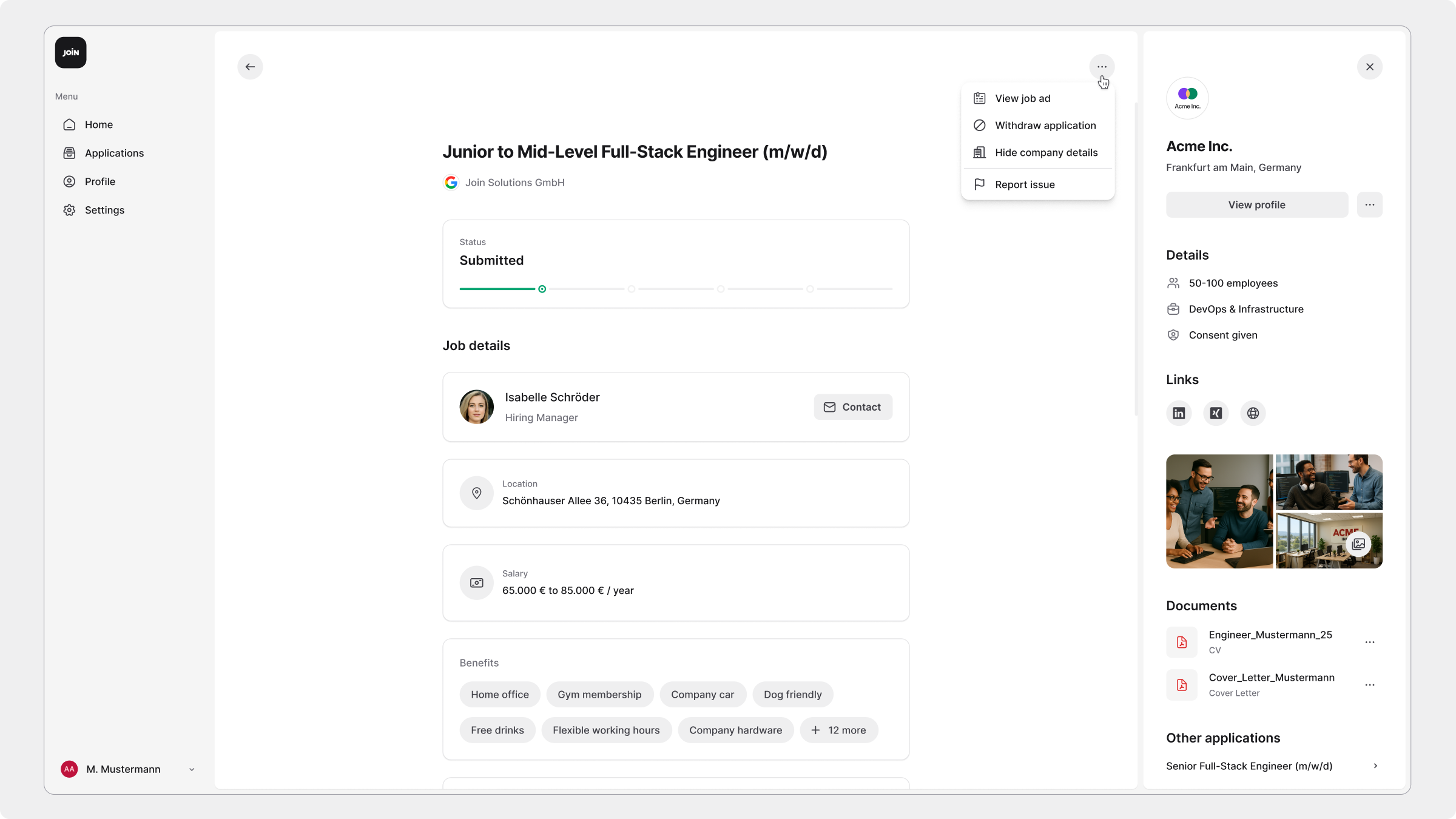
All your applications are neatly organised, showing the company, role, when you applied, and the status (incomplete, submitted, in review, or rejected). Click on any application card to open a detailed view with the full job description, benefits, salary, company profile, submitted documents, and your answers. From here, you can also take actions such as completing an unfinished application, withdrawing one, contacting the recruiter, or revoking consent.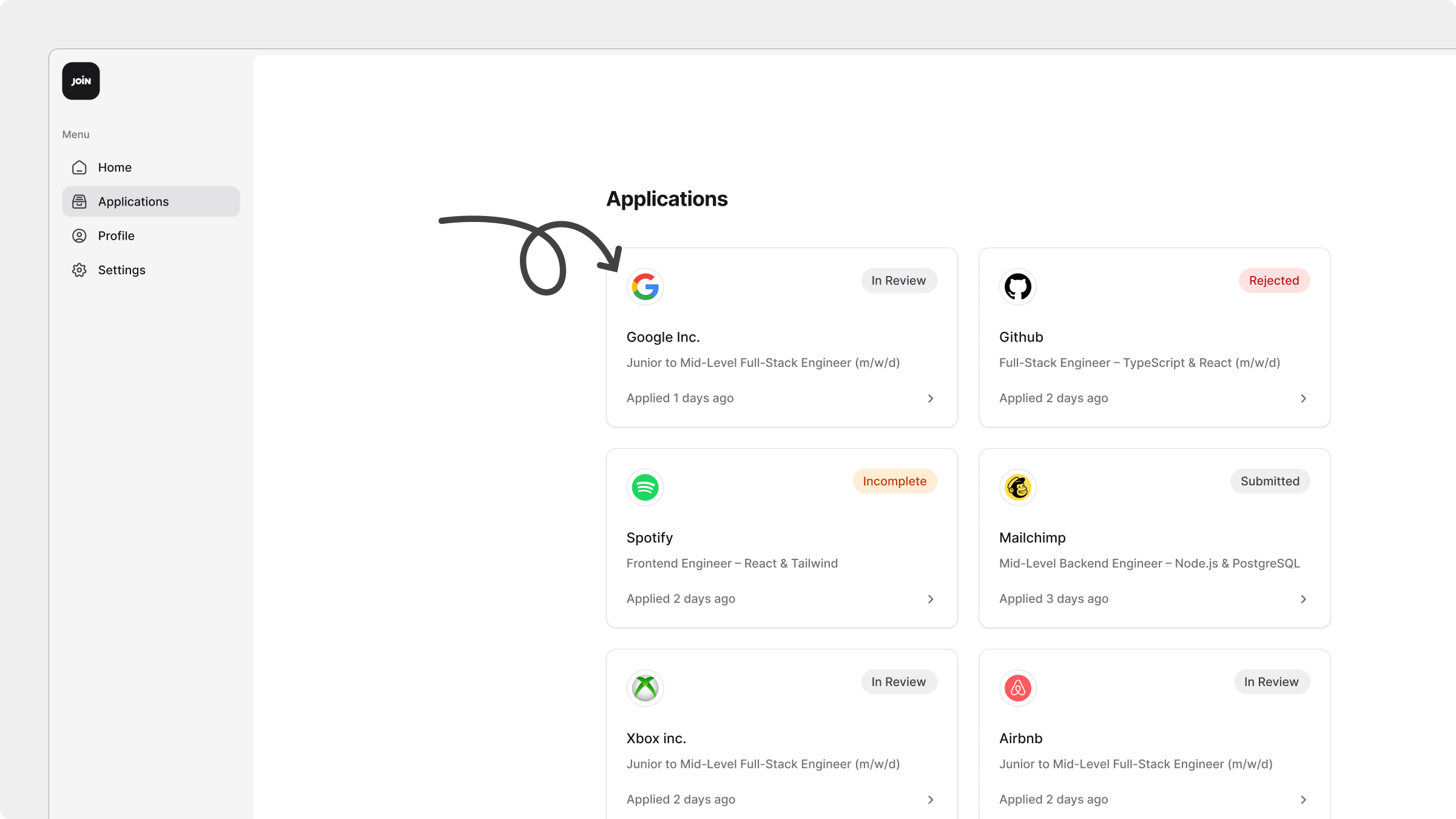
📨 Easily access all Spontaneous Applications
You can now track the applications sent to companies even when they didn’t have an open job. Access these via the three-dot menu in the Applications page. Spontaneous applications are listed with their status, and you can take the same actions as with other applications.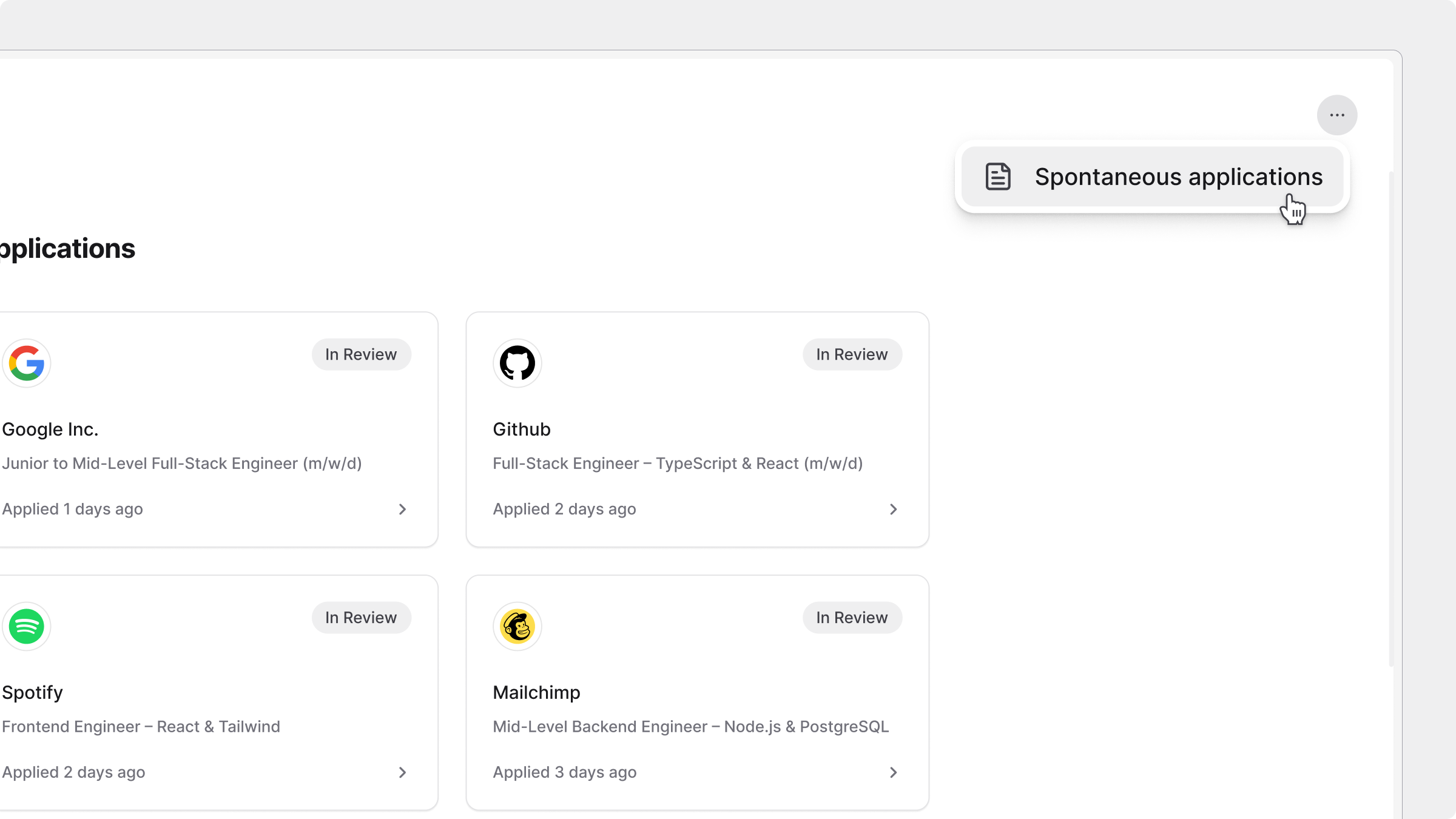
👤 Improved Profile & Settings tabs
Go to the Profile or Settings tabs to update your details. Replace or remove your CV, edit your contact information, add or remove external profile links, or manage your account settings at any time.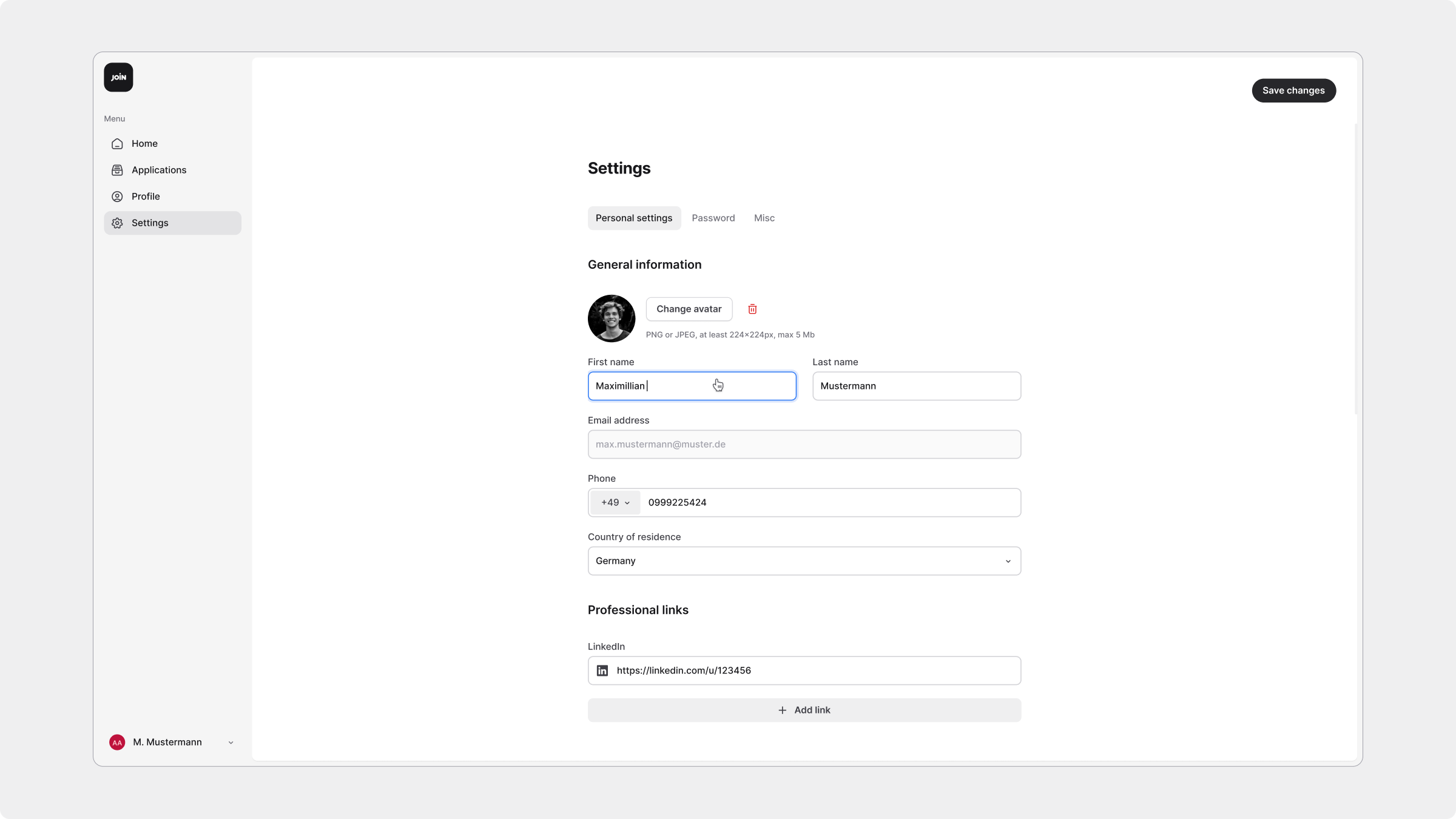
This new interface works seamlessly across desktop and mobile, giving you an efficient and easy way to manage your job search.👉 Log in to your JOIN account today and explore the new interface — start applying, tracking, and managing your applications more easily than ever.